Dark Theme, AMOLED Black and Accent Colors
Switch Music Speed Changer for Android to dark mode or AMOLED black, pick accent colors, or use Material You wallpaper colors.

Music Speed Changer has light and dark themes, can follow your device's setting, and offers a pure black AMOLED option, Material You colors and a choice of accent colors. You'll find all of them in Settings.
Changing the Theme
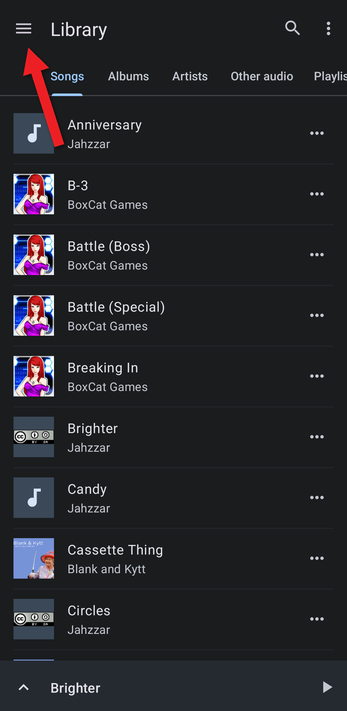
- In the Library, tap the ☰ button at the top left to open the app menu.
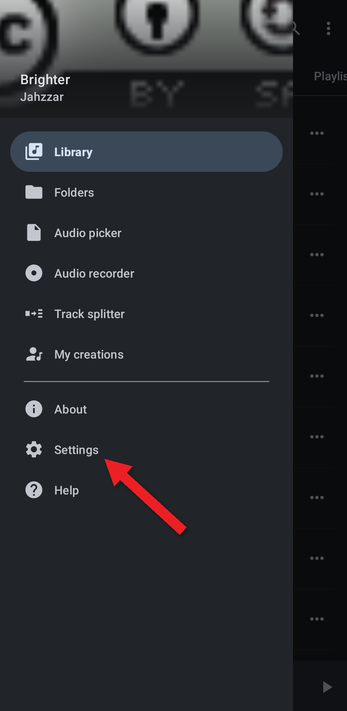
- Tap Settings.
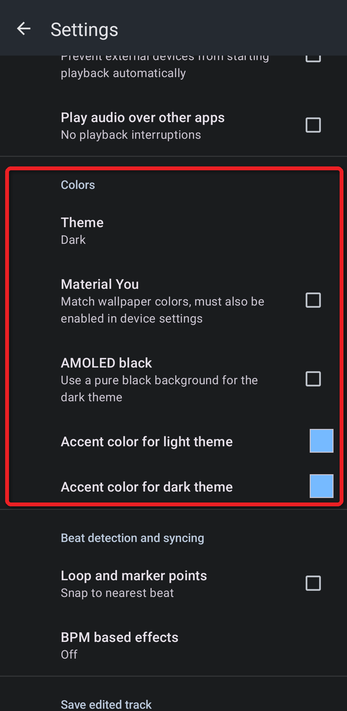
- Scroll down to the Colors section.
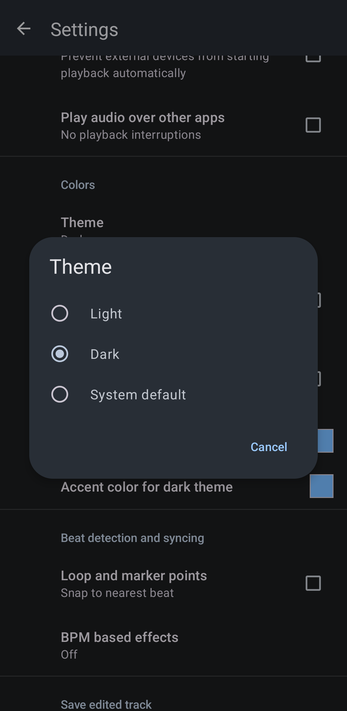
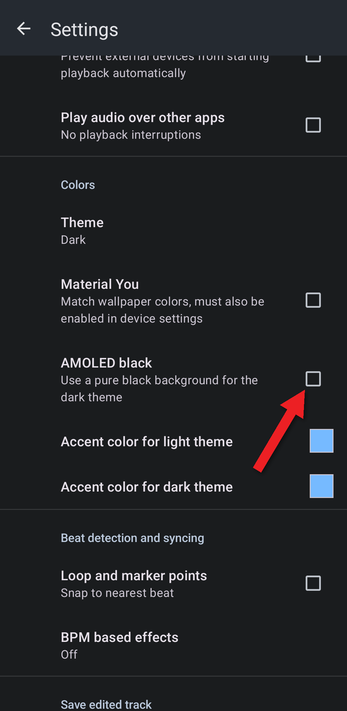
- Tap Theme and choose Light (a white background), Dark (a dark gray background) or System default (follows your device's light or dark mode). The change applies as soon as you tap it.
AMOLED Black
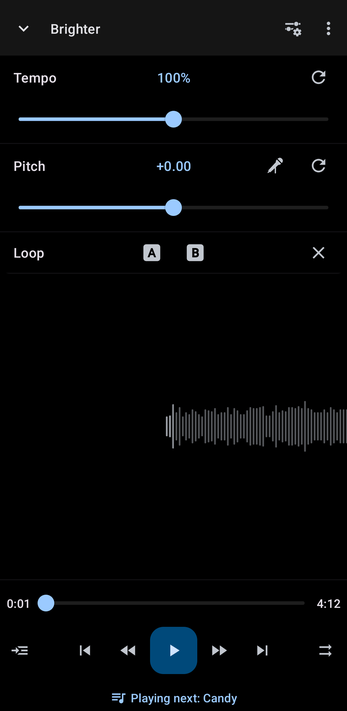
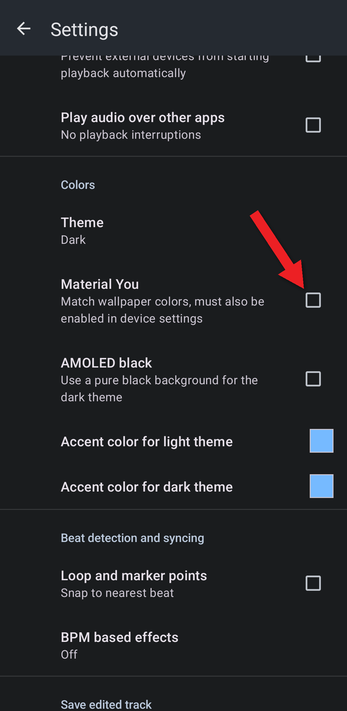
For a true black background, tick AMOLED black. On phones with an OLED screen, black pixels use less power, so this can help your battery last longer.
Accent Colors
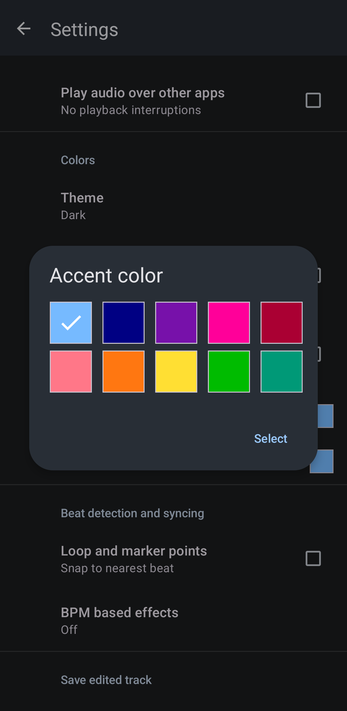
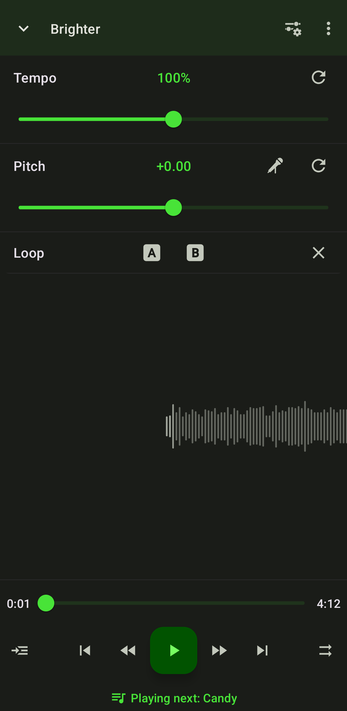
You can choose a separate accent color for the light and dark themes. Tap Accent color for light theme or Accent color for dark theme, pick a color and tap Select. The accent color tints the controls and gives the whole app a matching tone.
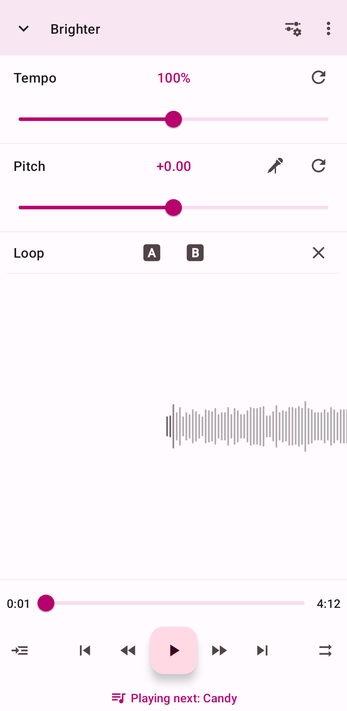
Material You
Tick Material You to match the app's colors to your phone's wallpaper, using Google's Material You color schemes. For it to work, Material You (sometimes called "Wallpaper & style" colors) must also be turned on in your device's settings.
How did we do?
Keeping or Resetting Adjustments When a New Track Loads
Background Use, Keep Screen On and Other Device Settings
