Player Controls: Play Mode, Shuffle and Seek Buttons
Learn the Music Speed Changer player controls on Android: play mode and repeat, shuffle, and fast forward/rewind buttons with adjustable jump length.

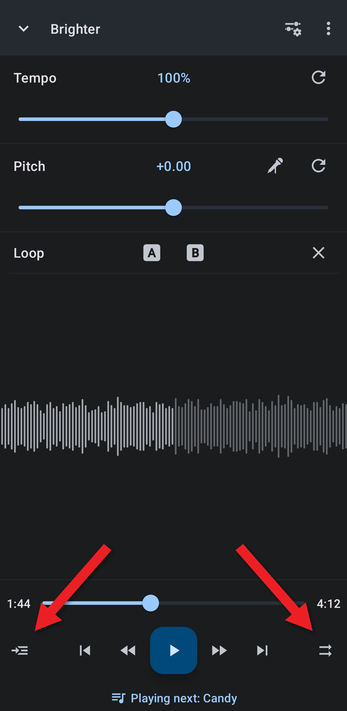
The buttons along the bottom of the editor control playback. From left to right: Play mode, Skip previous, Fast rewind, Play/pause, Fast forward, Skip next and Shuffle. Below them, the Playing next button opens the playing queue.
Play Mode
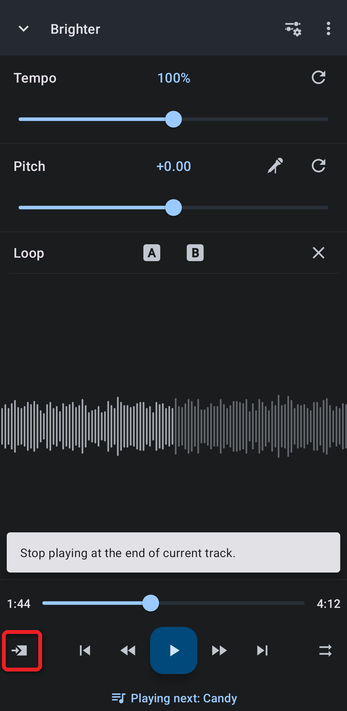
The Play mode button at the bottom left decides what happens when a track ends. Tap it to switch to the next mode; the icon shows the current mode.
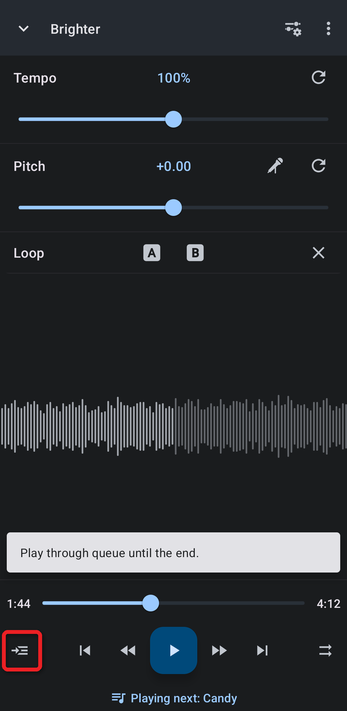
- Play through queue until the end (the default): plays the rest of the playing queue, then stops.
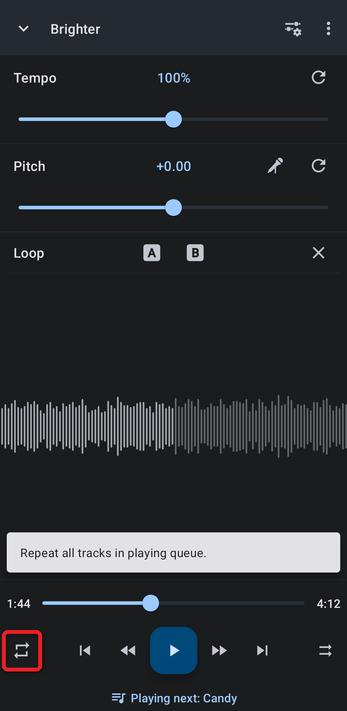
- Repeat all tracks in playing queue: starts the queue again from the beginning when it ends.
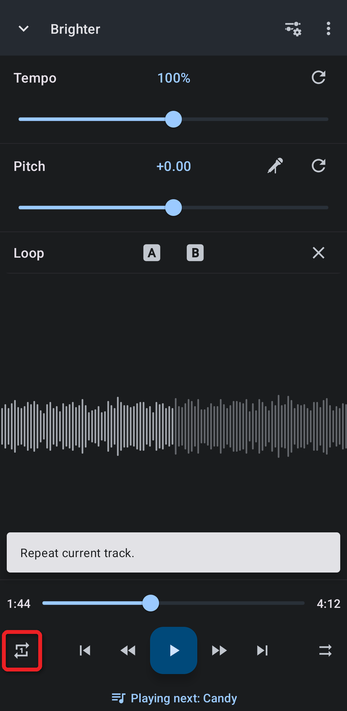
- Repeat current track: plays the same track over and over.
- Stop playing at the end of current track: stops when the current track ends.
Shuffle
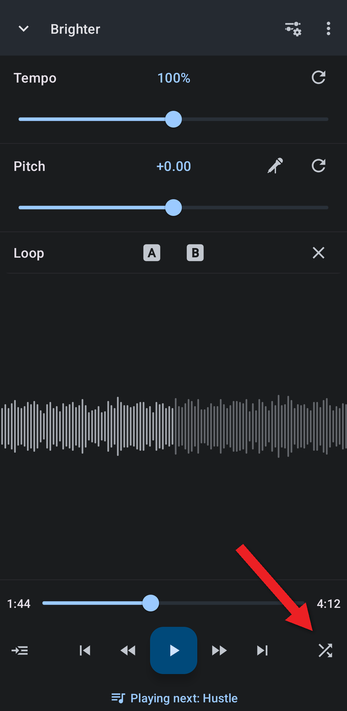
Tap the Shuffle button at the bottom right to play the playing queue in random order. When shuffle is on, the arrows on the button cross, and the next track shown under the controls changes. Tap it again to go back to the original order.
Fast Rewind and Fast Forward
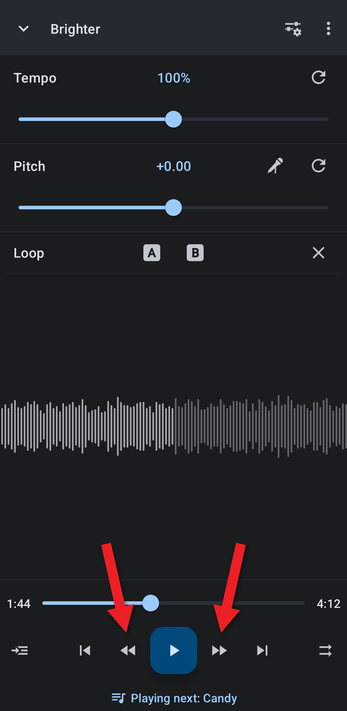
The buttons on either side of Play/pause jump back or ahead in the track, by 3 seconds by default. (The outer buttons skip to the previous or next track.)
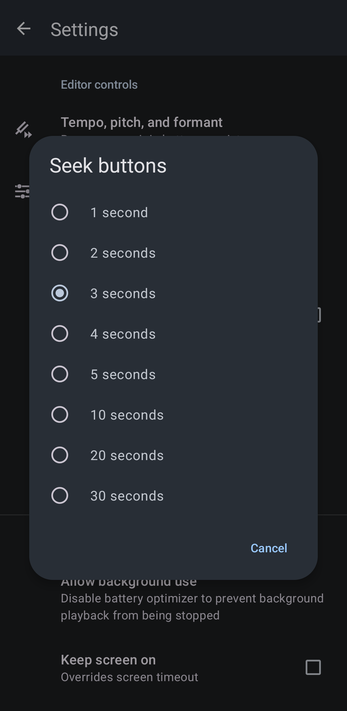
To change how far they jump, open Settings, tap Seek buttons under Editor controls, and choose 1, 2, 3, 4, 5, 10, 20 or 30 seconds.
You can also move to any point in the track by dragging along the waveform or the seek bar.
How did we do?
Working with Markers
The Playing Queue
