Recording Audio with the Audio Recorder
Record audio with the built-in recorder in Music Speed Changer for Android, then find, tag and edit your recordings.

Music Speed Changer has a built-in audio recorder. Use it to record yourself practicing, a voice-over, or any other sound, then change the recording's pitch and tempo or add effects just like any other track.
Making a Recording
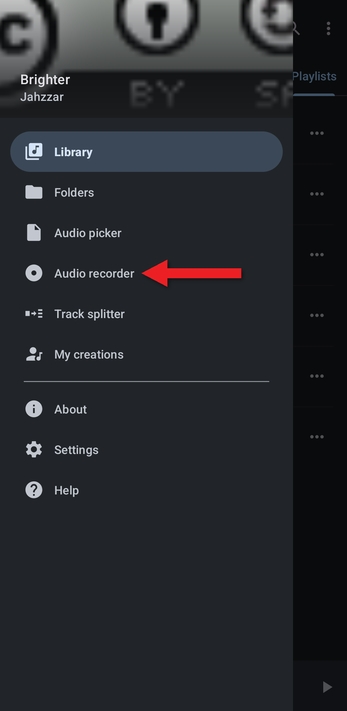
- Open the app menu (☰) and tap Audio recorder.
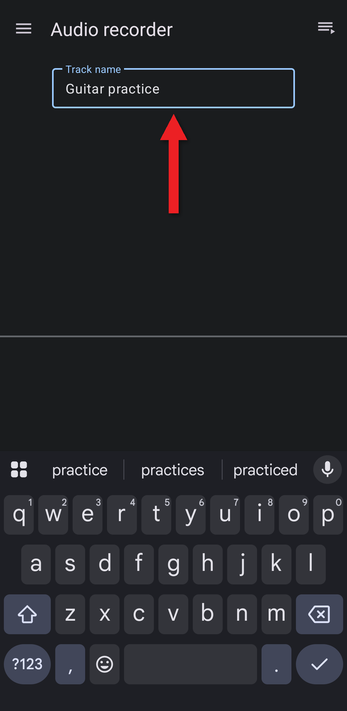
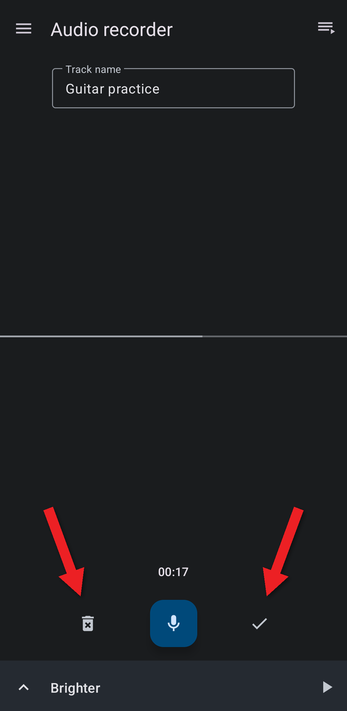
- Type a name for the recording in Track name. This becomes the file name. You can change the title and artist later.
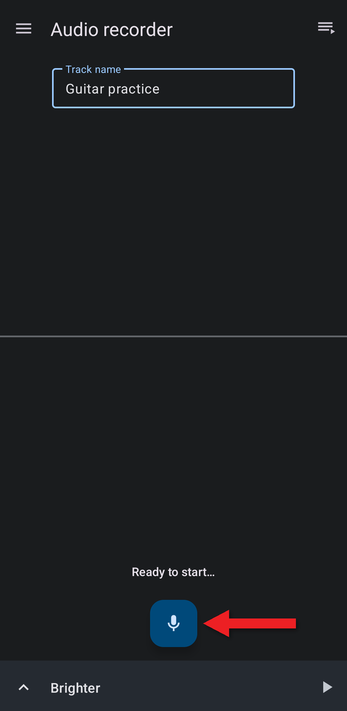
- Tap the microphone button to start recording. (The first time, Android asks for permission to use the microphone.)
- The timer counts up while you record. Tap the same button to pause, and tap it again to continue.
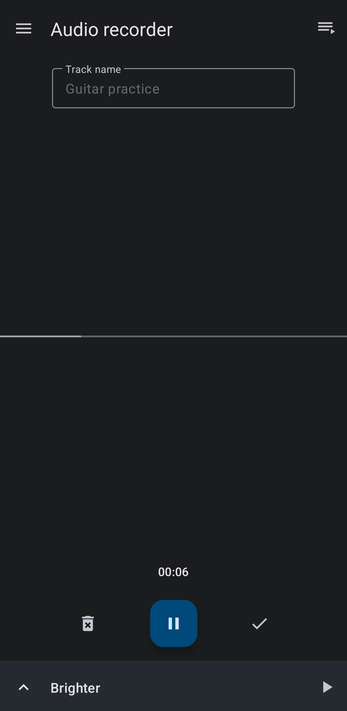
- When you're finished, tap the check mark to save the recording, or the trash can to delete it and start over.
- The new recording appears at the top of the recorder. Tap it to play it.
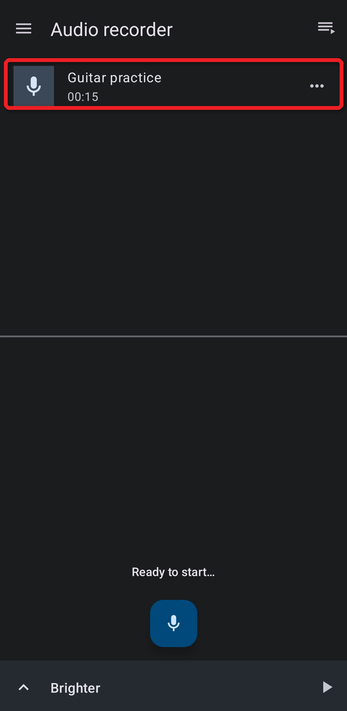
Recordings are saved as .m4a files in the Music/MusicSpeedChanger/recordings folder.
Finding and Editing Your Recordings
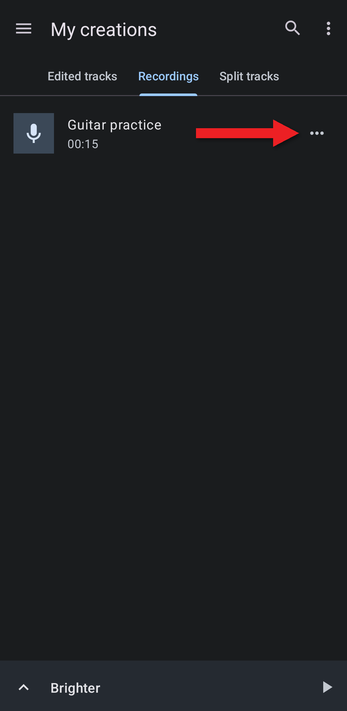
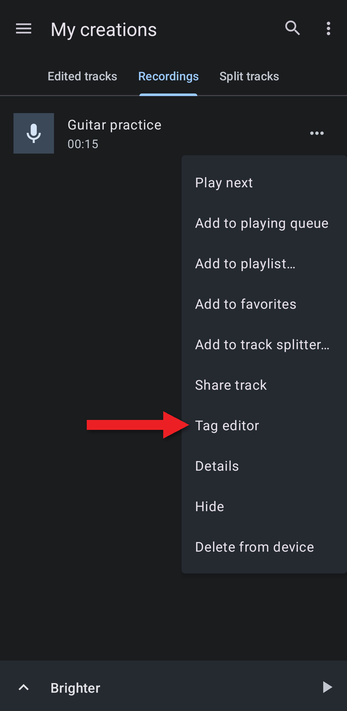
All your recordings are in My Creations, on the Recordings tab. Tap the … button next to a recording to add it to a playlist, share it, and more.
Choose Tag editor to give the recording a proper title, artist and artwork.
Recording Quality
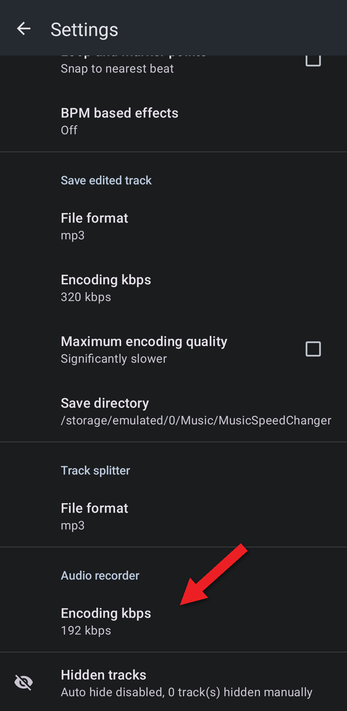
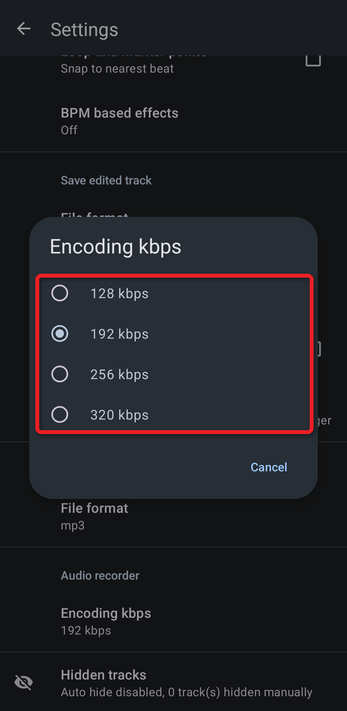
To change the recording quality, open Settings and scroll to Audio recorder. Tap Encoding kbps and choose 128, 192 (the default), 256 or 320 kbps. Higher values sound better and make larger files.
How did we do?
My Creations: Your Edited Tracks and Recordings
