Upgrading to Music Speed Changer Pro
Upgrade Music Speed Changer for Android to Pro for formant correction, the 6-stem track splitter and no ads, or remove ads free for 60 minutes.

Music Speed Changer Pro includes:
- formant shift and vocal correction, for natural-sounding pitch-shifted vocals (see Formant Correction for Natural-Sounding Pitch Shifts),
- the 6-stem track splitter, including guitar,
- no ads, and
- future feature upgrades.
Upgrading
You can upgrade with a monthly subscription, which you can cancel at any time, or with a one-time lifetime purchase. Both are handled by Google Play and are tied to the Google account you use to pay, so Pro carries over when you reinstall the app or move to a new device with the same account.
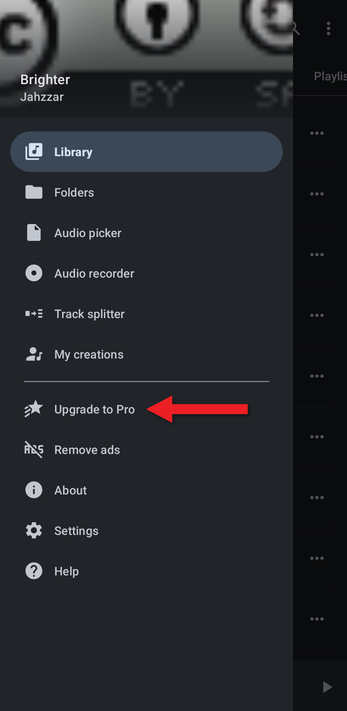
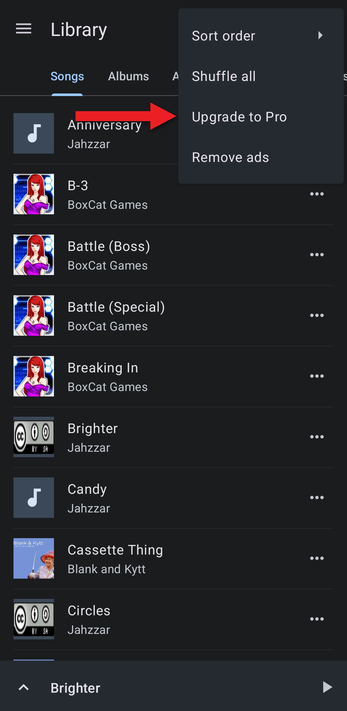
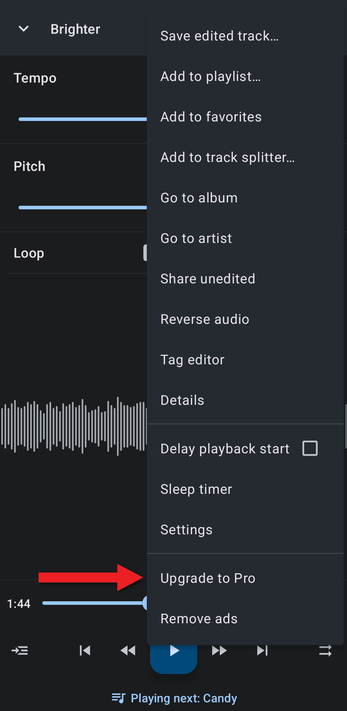
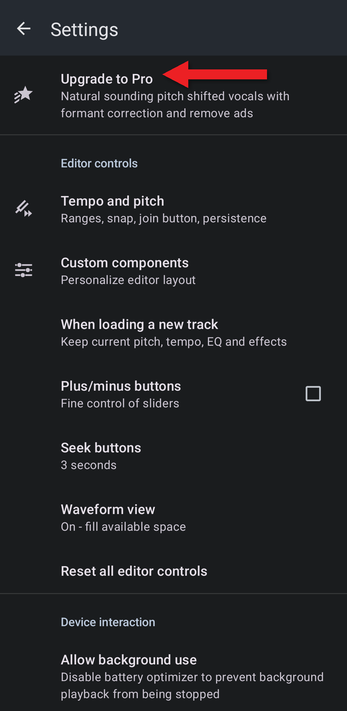
- Open the upgrade screen from any of these places:
- the app menu (☰): Upgrade to Pro
- the Library's ⋮ menu
- the editor's ⋮ menu
- the top of Settings
- The upgrade screen lists what's included and shows formant correction in action.
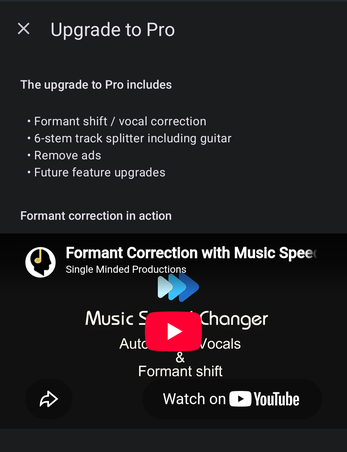
- Below the video, tap Monthly or Lifetime. Each button shows its price in your currency. If a free trial is available, it's shown under the Monthly button.
- Google Play opens to complete the purchase.
Removing Ads for Free
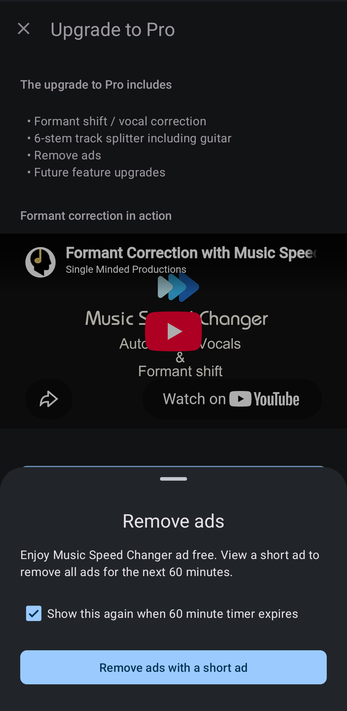
If you only want to get rid of the ads for a while, tap Alternatively, remove ads (only) for free at the bottom of the upgrade screen, or Remove ads in the menus. Tap Remove ads with a short ad and watch one short ad to use the app ad-free for the next 60 minutes. You can do this as often as you like.
Managing Your Subscription
To cancel or change a subscription, open Settings in the app and tap Manage subscription, or go to Payments & subscriptions in the Google Play Store app.
The team at Music Speed Changer is always working to improve the app and add the features our users ask for. Your support means a lot to us and keeps us going. Thank you!
How did we do?
Frequently Asked Questions (FAQ)
