Advanced Audio Settings: Sound Quality, Buffer Size and Latency
Advanced audio settings in Music Speed Changer for Android: time stretch quality, buffer size, native audio library, latency and gapless playback.

The Advanced settings control how Music Speed Changer processes and plays audio. The defaults suit most devices, but changing them can fix crackling on slower phones or improve quality on fast ones.
To open them, tap the app menu (☰), then Settings, scroll to the bottom and tap Advanced.
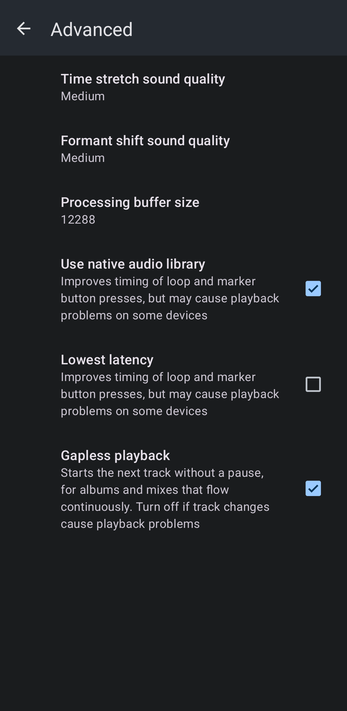
Time Stretch Sound Quality
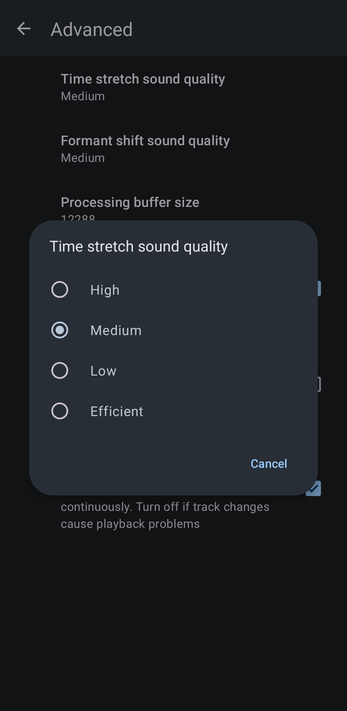
The quality of the processing used to change tempo and pitch: High, Medium (the default), Low or Efficient. Higher quality needs more processing power. If you hear static, crackling or dropouts, choose Low or Efficient; on a fast device, try High.
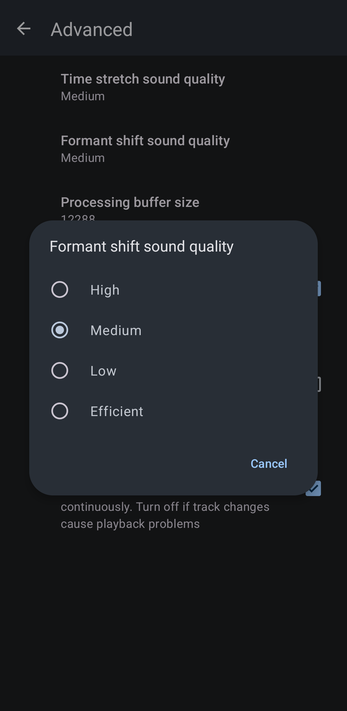
Formant Shift Sound Quality
The same choice for formant correction (Pro): High, Medium (the default), Low or Efficient.
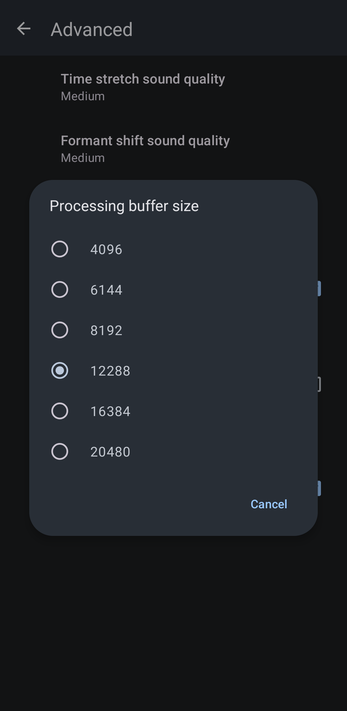
Processing Buffer Size
How much audio is processed at a time: 4096, 6144, 8192, 12288 (the default), 16384 or 20480. A larger buffer gives slower devices more time and can stop crackling; a smaller one makes controls respond a little faster.
Use Native Audio Library
On by default. It improves the timing of loop and marker button presses, but may cause playback problems on some devices. Turn it off if you hear glitches, or to use an external equalizer or effects app or Dolby Atmos.
Lowest Latency
Improves the timing of loop and marker button presses even more, but may cause playback problems on some devices. It's off by default and only available when Use native audio library is on.
Gapless Playback
On by default. Starts the next track without a pause, for albums and mixes that flow continuously. Turn it off if track changes cause playback problems.
How did we do?
Backing Up and Restoring Playlists, Markers and Settings
