Making Slowed + Reverb Music
Make slowed + reverb music with Music Speed Changer for Android: slow down any song, add reverb, save presets and export the remix.

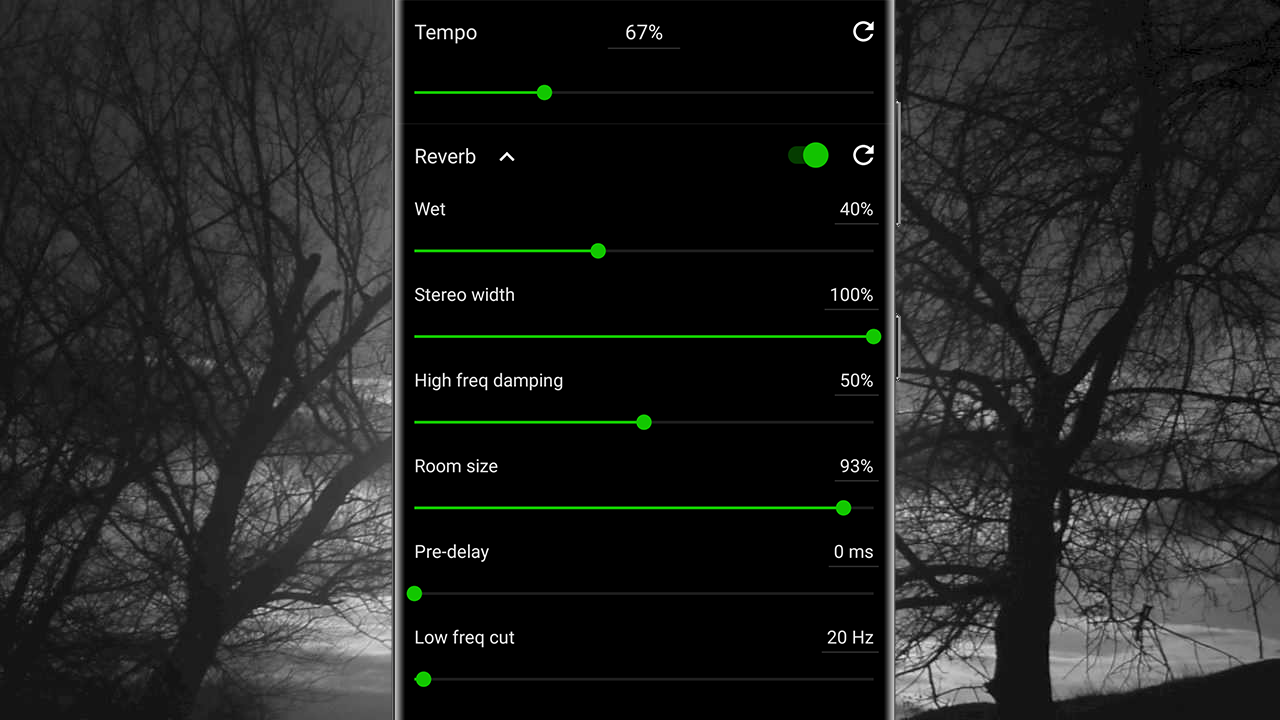
Slowed + reverb is a popular remix style: the track is slowed down and reverb is added, giving it a dreamy, spacious, often melancholy sound, as if the song is being played in a big room just for you.
Music Speed Changer can make a slowed + reverb version of any track. You can save a single remixed track, or play your whole collection in slowed + reverb style.
Setting Up a Slowed + Reverb Editor
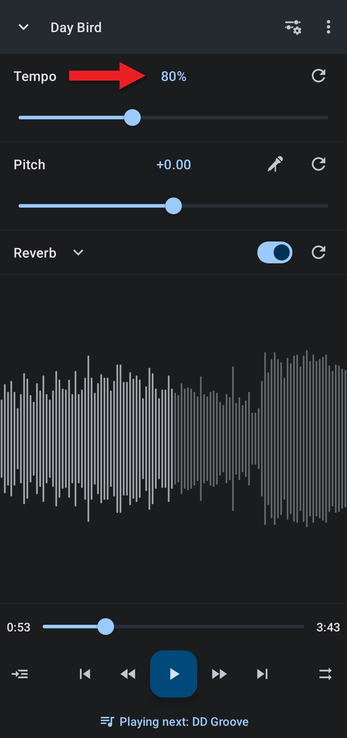
The easiest way is a custom editor layout with just the tempo, pitch and reverb controls. (Reverb is also in the Effects layout, but that doesn't show the tempo.)
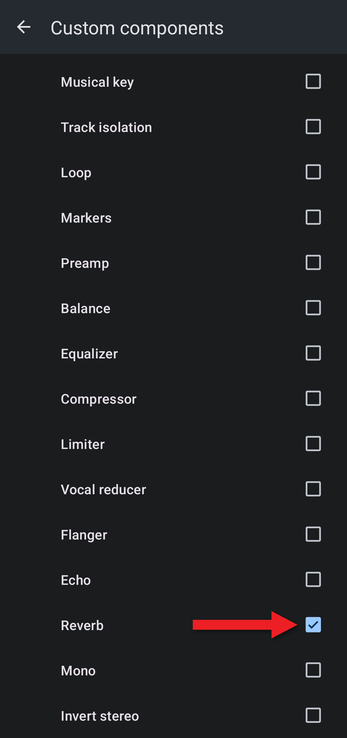
- In the editor, tap the Editor components button (the sliders icon at the top right) and choose Configure custom….
- Turn on the switch at the top so it reads Using. Make sure Tempo / Rate and Pitch / Formant are ticked, then scroll down and tick Reverb.
- Go back to the editor. Lower the tempo (around 80% is a good start) and turn on the Reverb switch.
Adjusting the Reverb
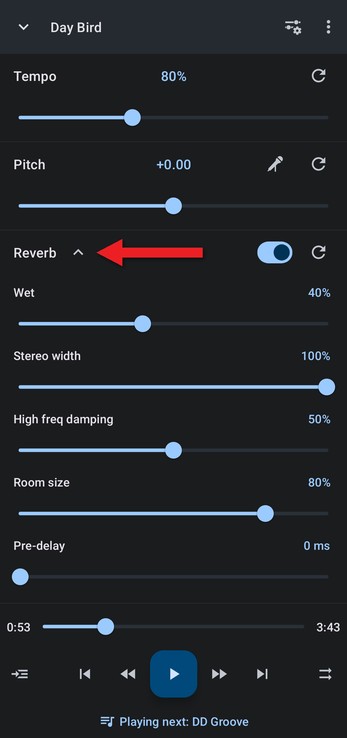
Tap the arrow next to Reverb to show its settings: Wet, Stereo width, High freq damping, Room size, Pre-delay and Low freq cut. More Wet and a bigger Room size give a more spacious, washed-out sound.
Saving Your Reverb Settings
When you find a sound you like, tap Save preset, give it a name and tap OK.
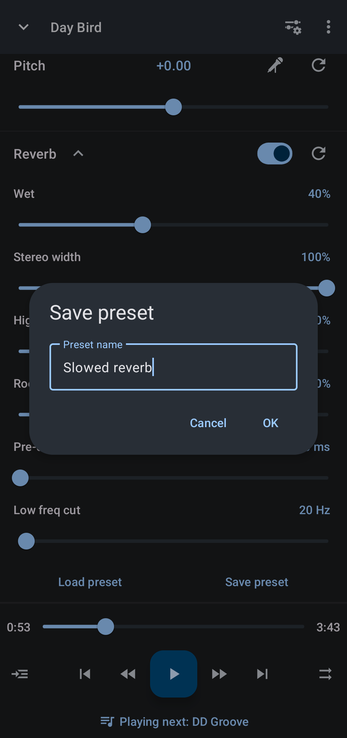
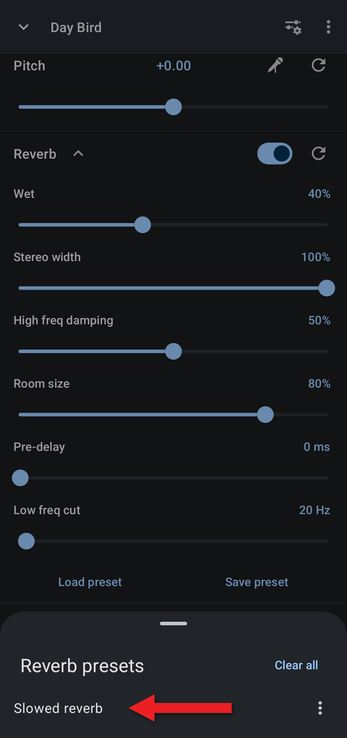
Next time, tap Load preset and choose it from the list to apply the same settings to another track.
By default, your tempo and reverb stay in place when the next track starts, so your whole library plays in slowed + reverb style (see Keeping or Resetting Adjustments When a New Track Loads). To keep a remixed track, save it as a new file.
How did we do?
Making Nightcore
Converting 440 Hz Music to 432 Hz or 528 Hz
