Converting 440 Hz Music to 432 Hz or 528 Hz
Convert music from 440 Hz to 432 Hz or 528 Hz with Music Speed Changer for Android: the pitch shift formula and step-by-step instructions.

Most music today is tuned to A = 440 Hz, the standard tuning pitch (the A above middle C, often called A440). Because the starting tuning is known, you can work out exactly how far to shift the pitch to retune a track to another reference frequency, such as 432 Hz or 528 Hz. Music Speed Changer then shifts the pitch without changing the tempo, for a single track or for everything you play.
If you want to move a song into a different musical key instead, see Transposing Music to Another Key.
The Formula
The pitch shift in semitones is 12 × log2(new frequency ÷ 440).
- 440 Hz to 432 Hz: 12 × log2(432 ÷ 440) ≈ −0.3177 semitones
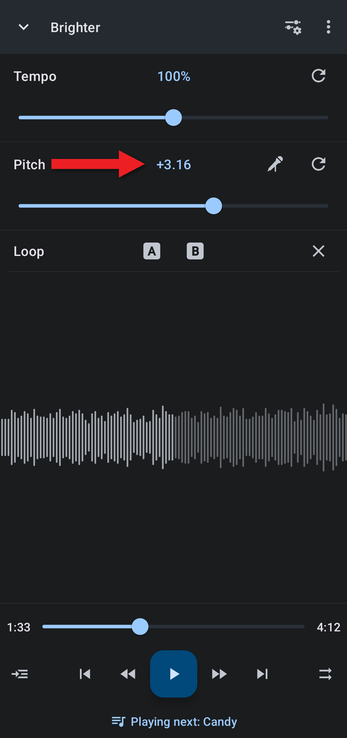
- 440 Hz to 528 Hz: 12 × log2(528 ÷ 440) ≈ +3.1564 semitones
For any other frequency, put your own number in place of 432 or 528. A scientific calculator, such as the one on most phones in landscape mode, has the log2 function.
440 Hz to 432 Hz Step by Step
432 Hz is popular for relaxation and meditation.
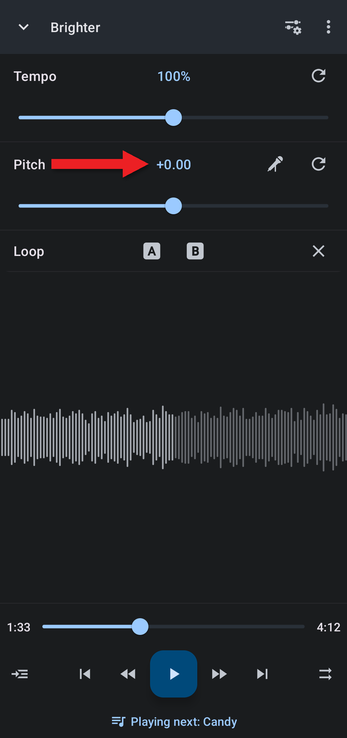
- In the editor, tap the Pitch value above the pitch slider.
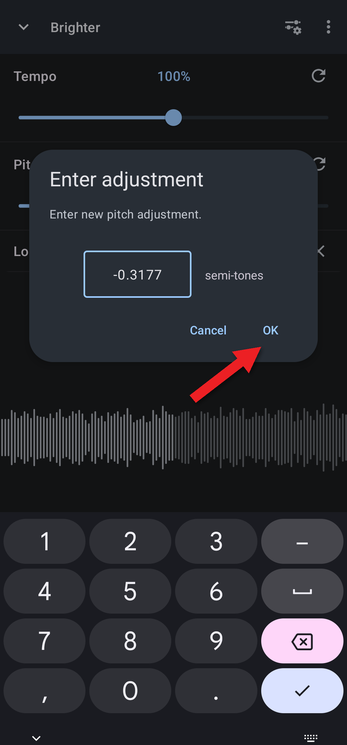
- Type -0.3177 and tap OK.
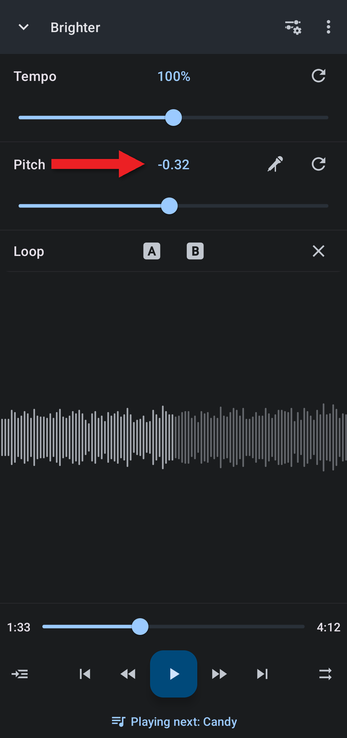
- The Pitch value now shows −0.32. The display is rounded, but the exact value you typed is used.
440 Hz to 528 Hz
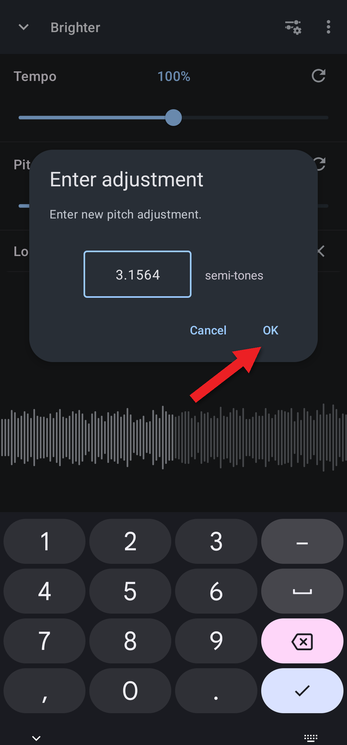
Tap the Pitch value, type 3.1564 and tap OK.
Listening to Your Whole Collection
By default, your pitch setting stays in place when the next track starts, so you can listen to your whole library at the new frequency. You can change this in Keeping or Resetting Adjustments When a New Track Loads. To keep a converted copy of a track, save it as a new file.
How did we do?
Making Slowed + Reverb Music
Transposing Music to Another Key
