Tips for Practicing a Musical Instrument
Practice an instrument with Music Speed Changer for Android: slow down and loop hard parts, mark sections, count in, and record yourself.

Music Speed Changer was created by a musician to help master hard-to-learn parts of songs by practicing them at your own pace. Whether you're just starting out on an instrument, a professional player, or a seasoned singer, the app is a toolbox that helps you learn music by ear and play along with other instruments.
Breaking a Piece into Manageable Parts
The app lets you split music into the parts you want to practice and work on each one at a comfortable speed. It's especially useful for learning solos and for hearing exactly how intricate riffs and fills are played.
Quick Start
Open the track in the editor. Set the A and B loop points at the start and end of the part you want to learn, and slow the tempo down to a comfortable speed. The app loops that part until you pause it or clear the loop with the X. As you get more confident, gradually raise the tempo.
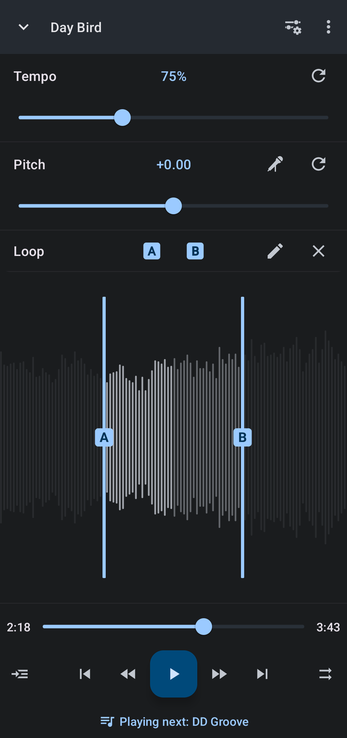
New to the editor? Watch the Getting Started video, and see Setting and Editing A/B Loop Points.
Marking the Sections of a Song
For a longer or more complex piece, mark each section, such as the intro, the riff and the solo, so you can jump straight back to it later. Music Speed Changer's bookmarks are called markers. Tap the Editor components button (the sliders icon at the top right of the editor), choose Markers, and set markers at the start and end of every part you want to practice. You can set as many as you like.
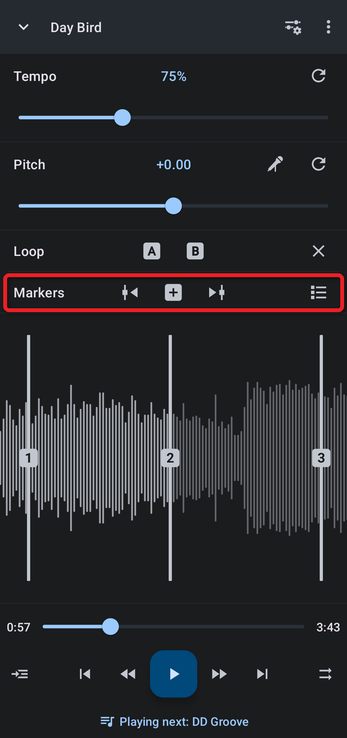
Open the markers list to give each marker a name.
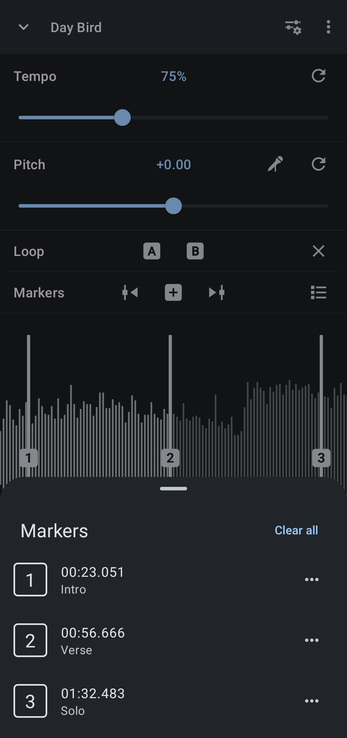
Working with Markers covers everything markers can do, including turning a pair of markers into a loop.
Counting In with Delayed Playback Start
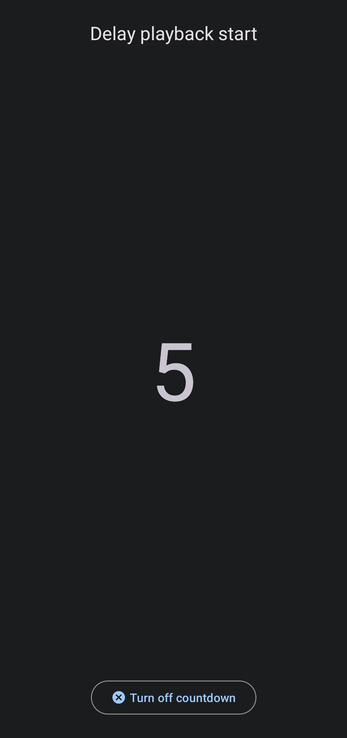
When you play along with a track, a count-in gives you time to get into position and get a good grip on your instrument before the music starts. It also trains you to come in on cue. In the editor, tap the ⋮ menu and tick Delay playback start.
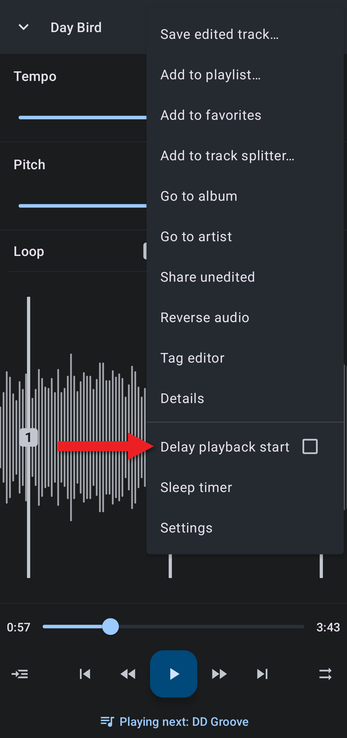
Now whenever you press play, the app counts down from 5 before the music starts. To switch it off, tap Turn off countdown on the countdown screen. See Delayed Playback Start (Count-In).
Recording Yourself
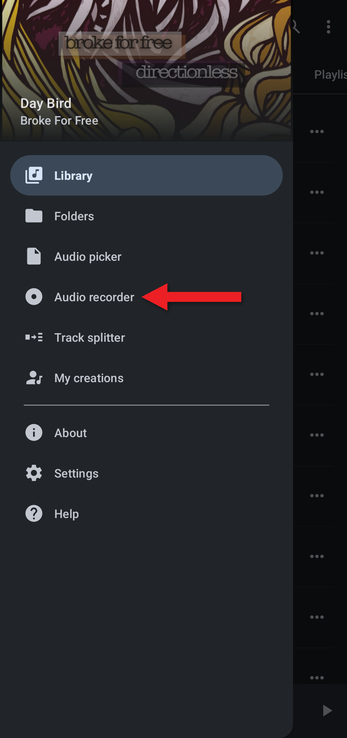
To check your progress, record yourself and listen back. You'll hear clearly what you've mastered and what still needs work. Open the app's menu (☰) and choose Audio recorder. See Recording Audio with the Audio Recorder.
Whether you're learning a jazz piece, the chords of a piano concerto, a tricky bass riff or vocal harmonies, splitting the track into sections and slowing it down lets you learn every detail and master the music.
How did we do?
Transposing Music to Another Key
Teaching Dance with Slowed-Down Music
